 MPCraft
Getting started
- Download the disk image from the download page and open it.
- Drag MPCraft to Applications and start it from there.
The main window
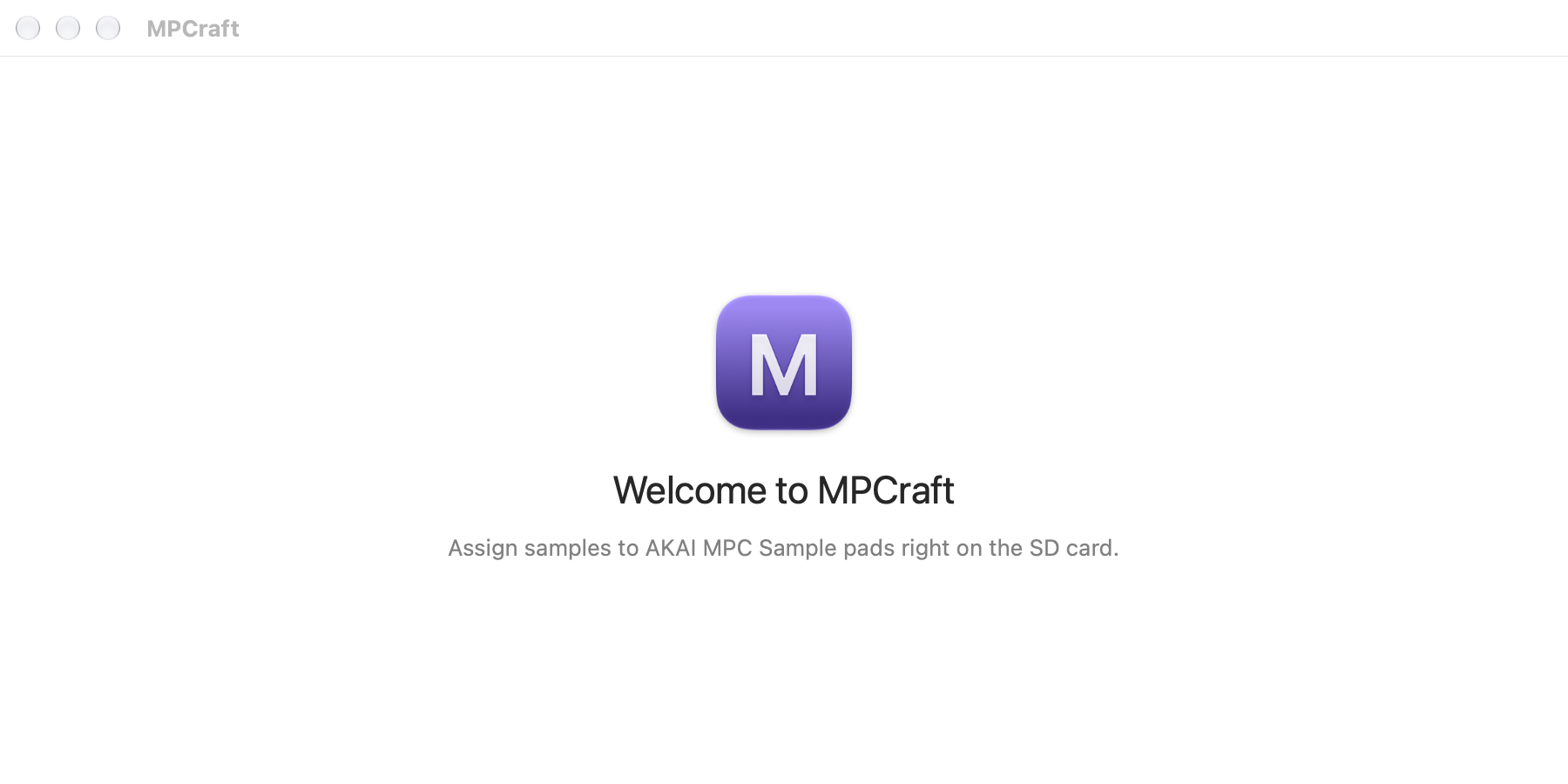
MPCraft edits projects of the AKAI MPC Sample directly on its SD card: switch the device to USB mode, start MPCraft, open a project and drag samples onto its pads. This manual describes each part of the window as it arrives in the app.
Updates
At every launch MPCraft asks whether a newer version exists and, if so, offers it; nothing is installed without your OK. MPCraft › Check for Updates… asks right away.